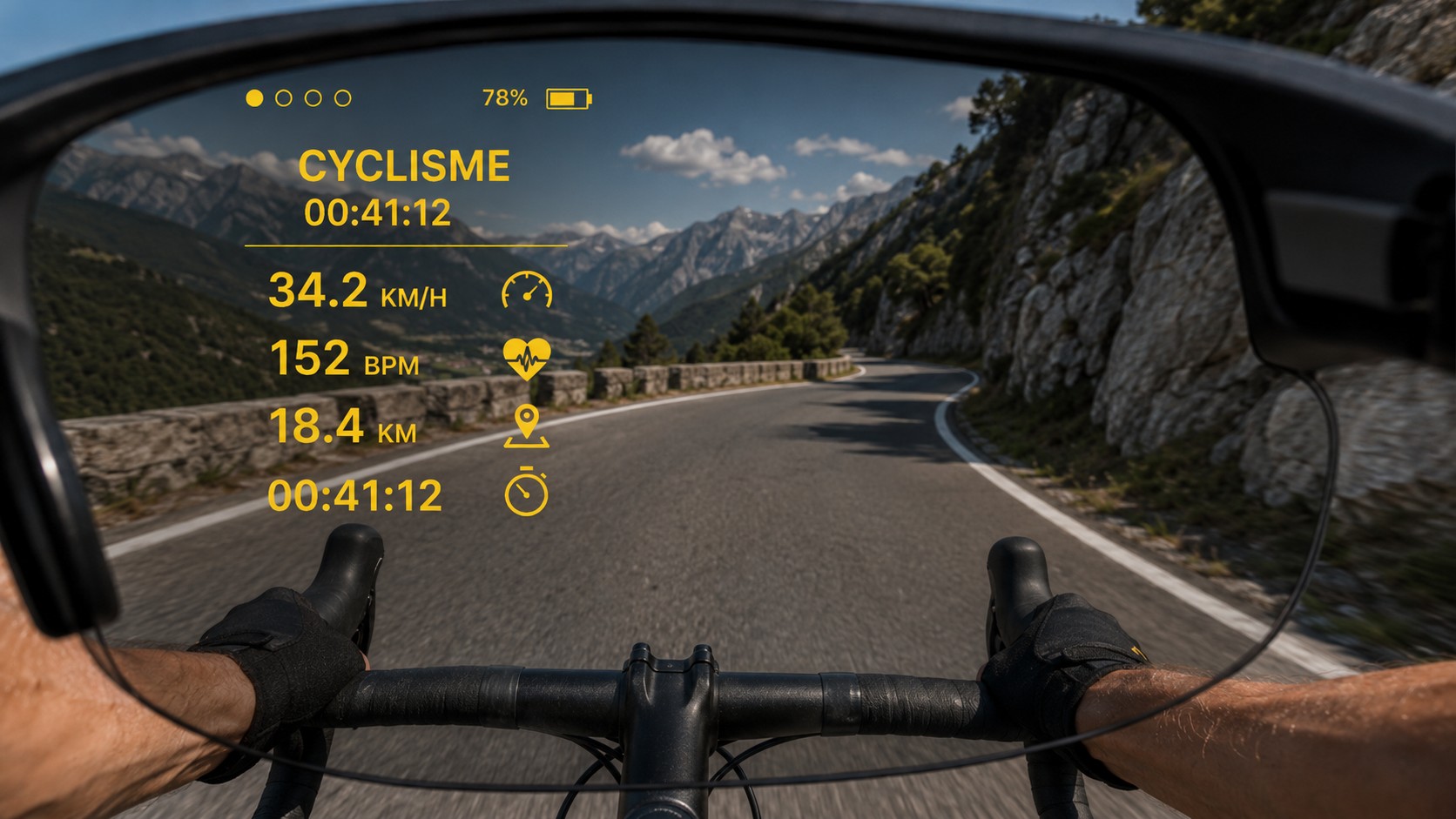
Track essential information while cycling.
Your training data, navigation and sports alerts, right in your field of view.
A HUD (head-up display) shows information without requiring you to constantly look at your smartphone. AI-Training uses ActiveLook technology on compatible glasses to support your activities and planned workouts.
With ActiveLook-compatible ENGO 3 glasses, AI-Training displays useful information during your activity, directly in your field of view. You can monitor your effort without constantly checking your phone. The display adapts to the sport, workout and available data.
Track essential information while cycling.
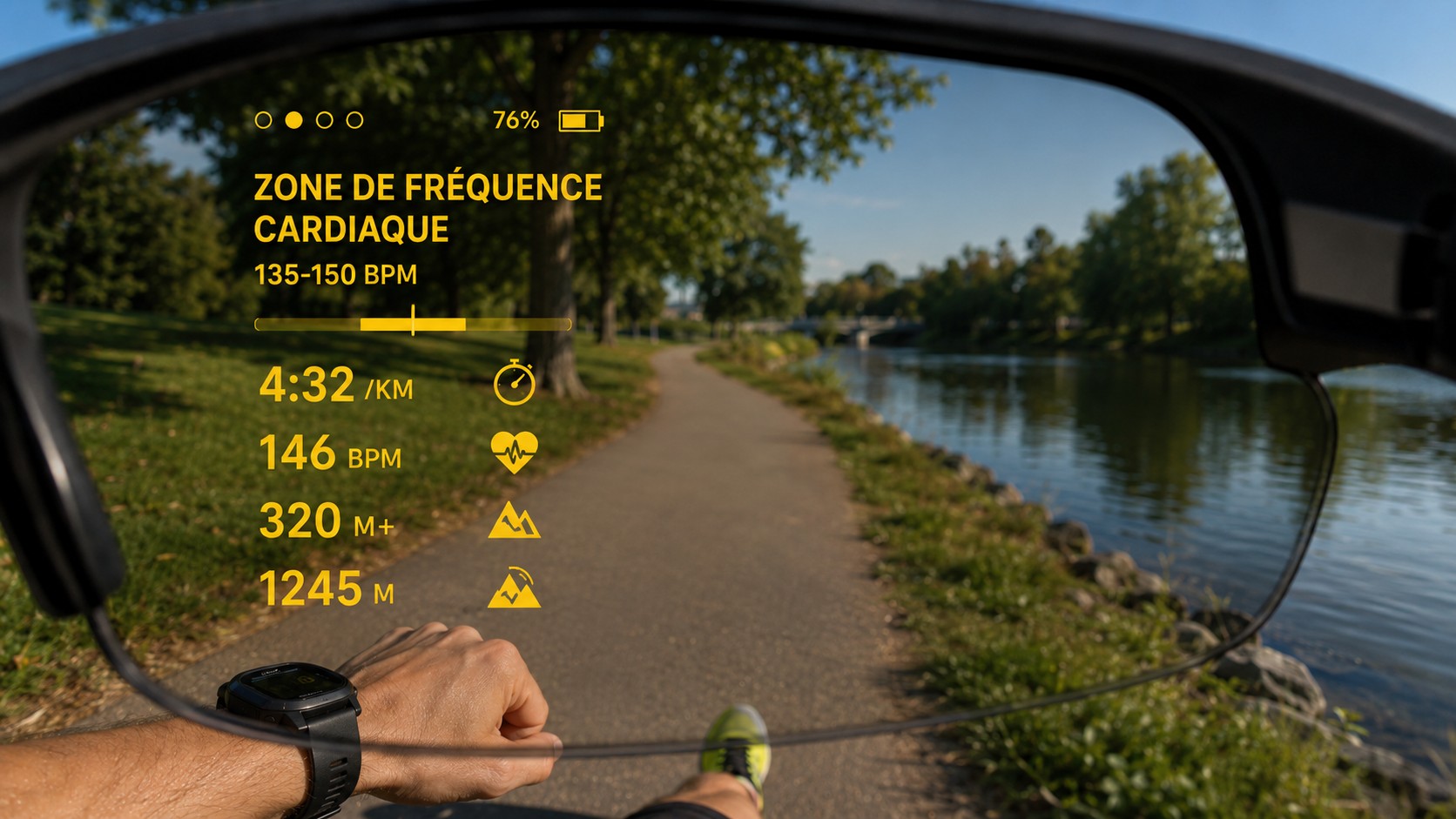
Keep track of your intensity while running.
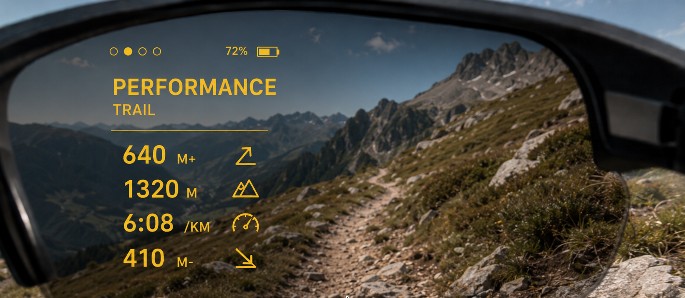
View your data on hilly routes.
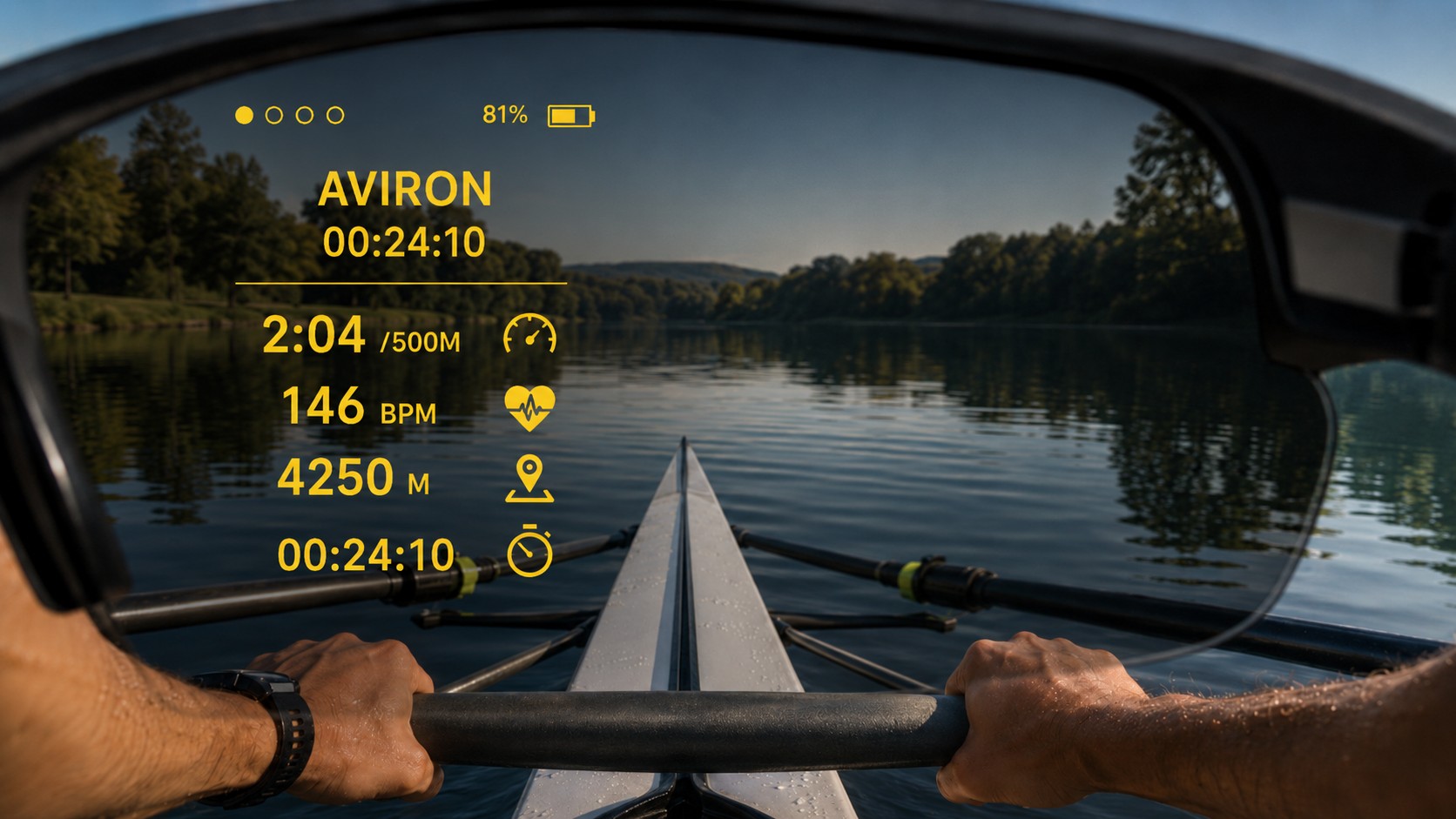
See useful information during a rowing session.
During a workout scheduled in AI-Training, the HUD guides you through each stage: current exercise, interval, next step and progress information. The data shown depends on the workout and connected sensors.
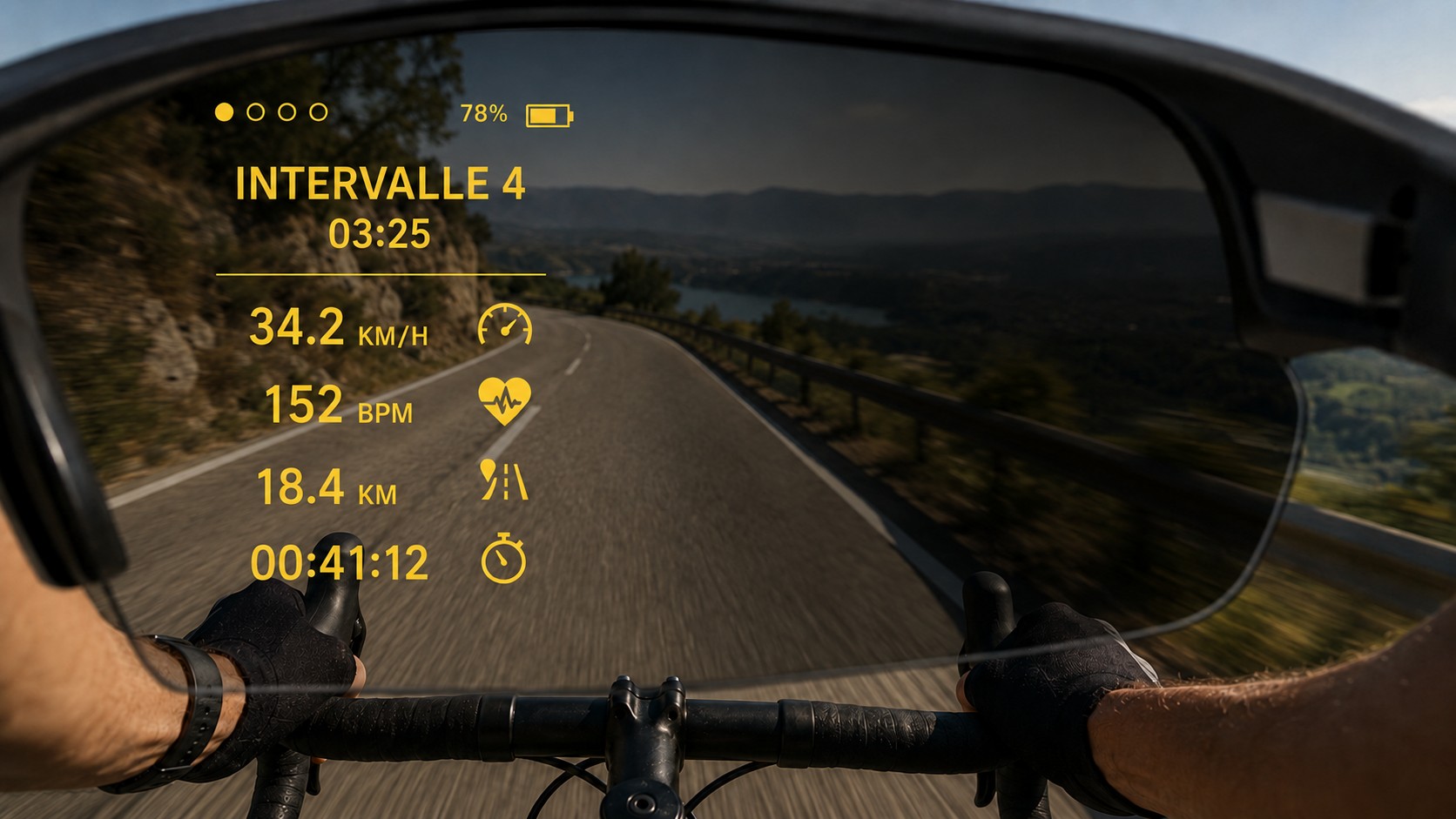
See your current training interval.
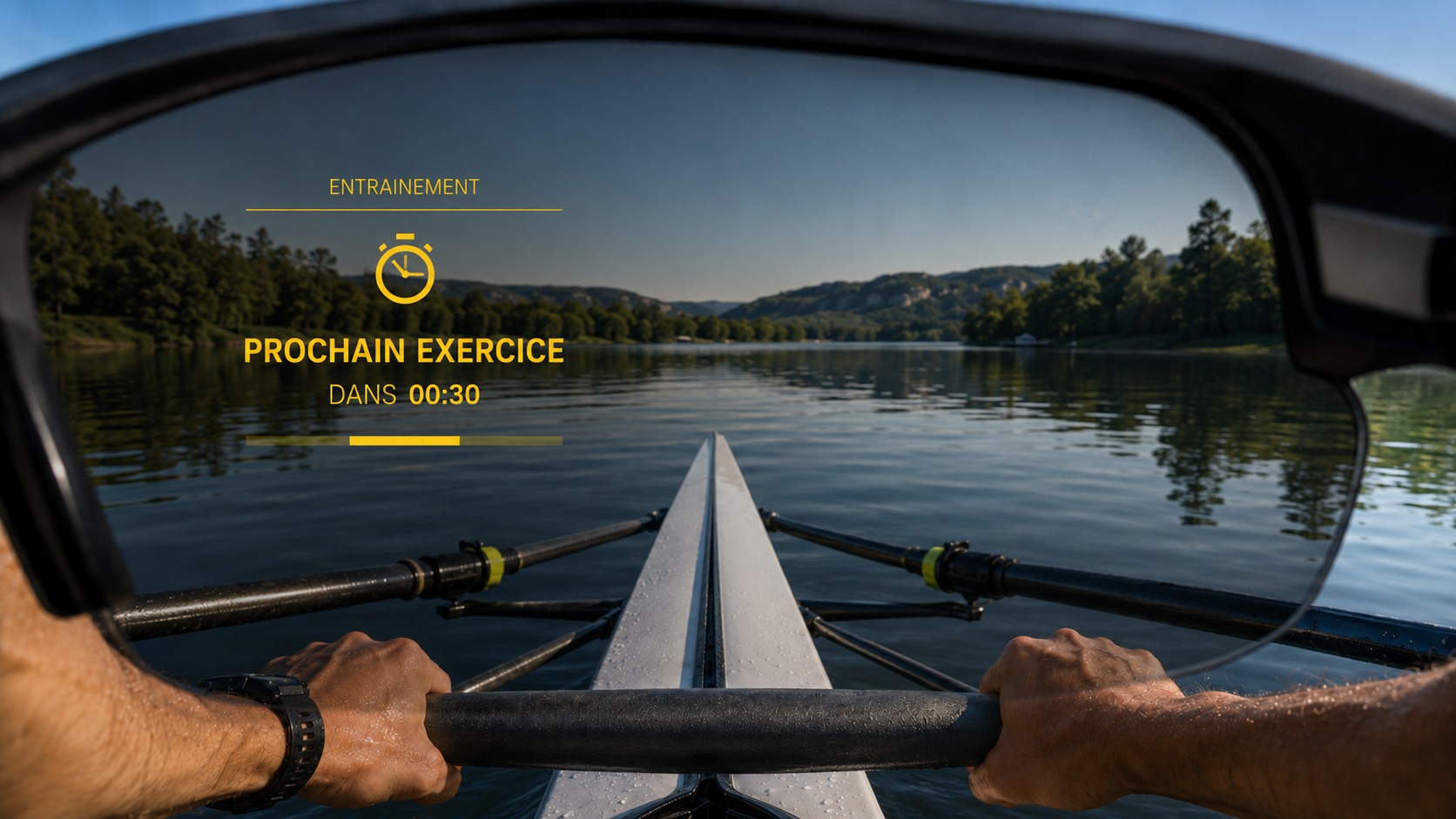
Get ready for the next stage.
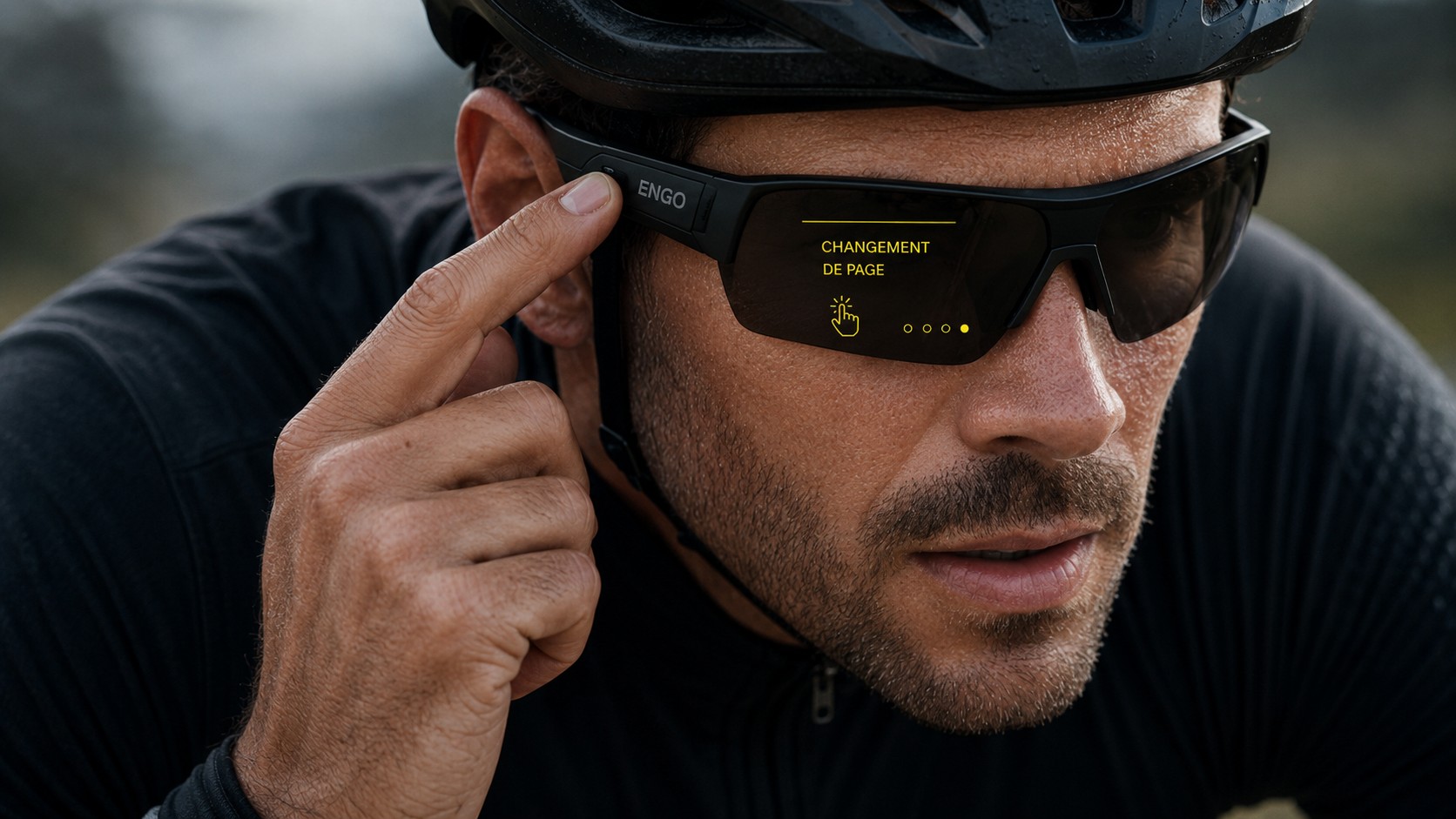
Access the available HUD interactions.
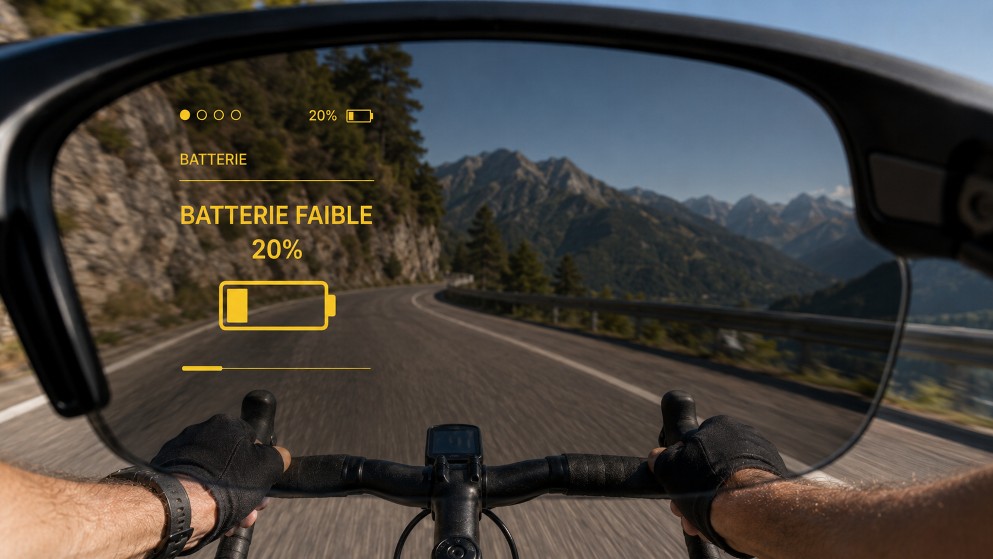
Keep an eye on remaining battery life.
Visual indicators help you see whether your heart rate is below, within or above your target zone. The colors are designed to be easy to read during exercise.
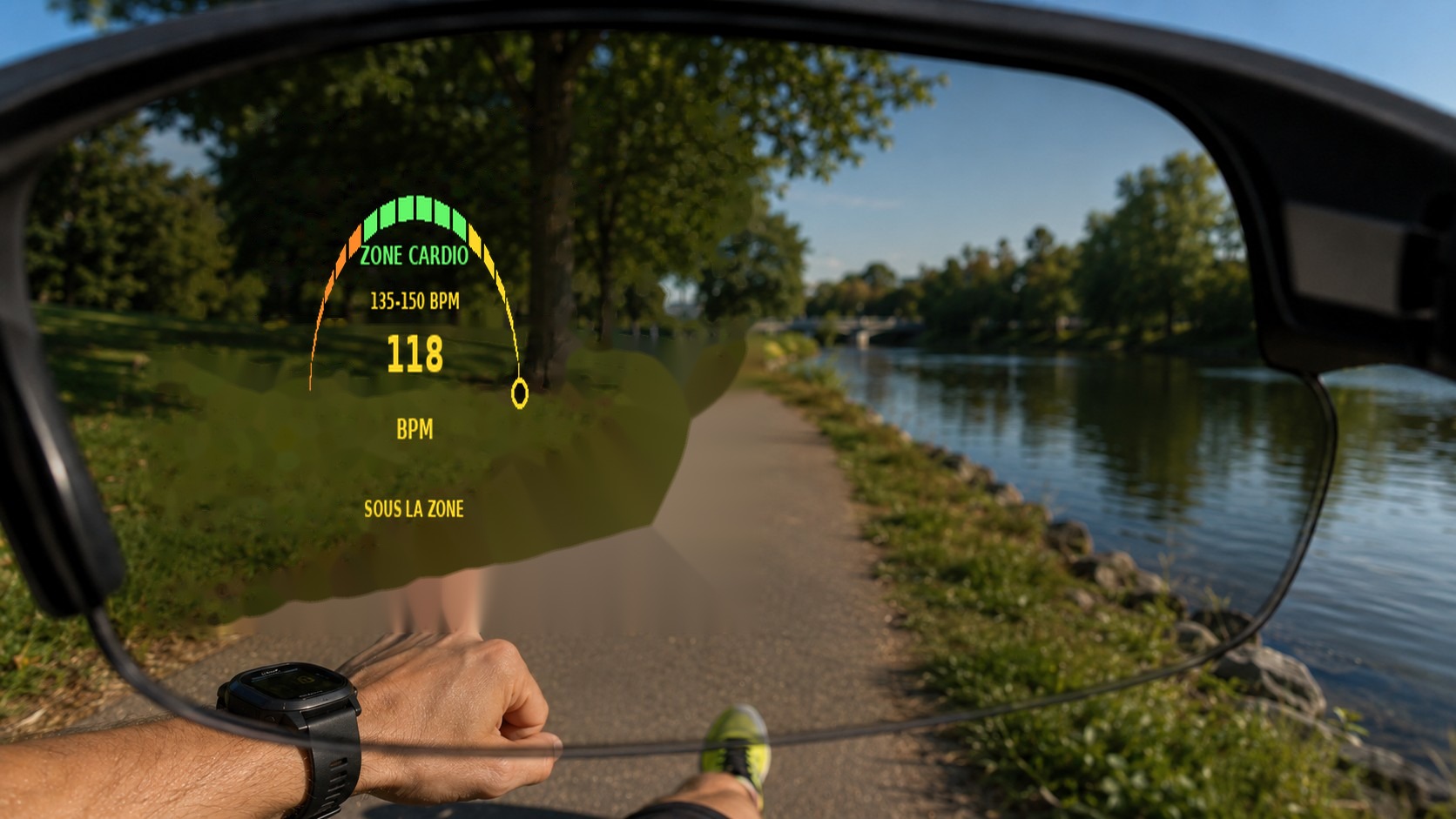
Your measured intensity is below the target zone.
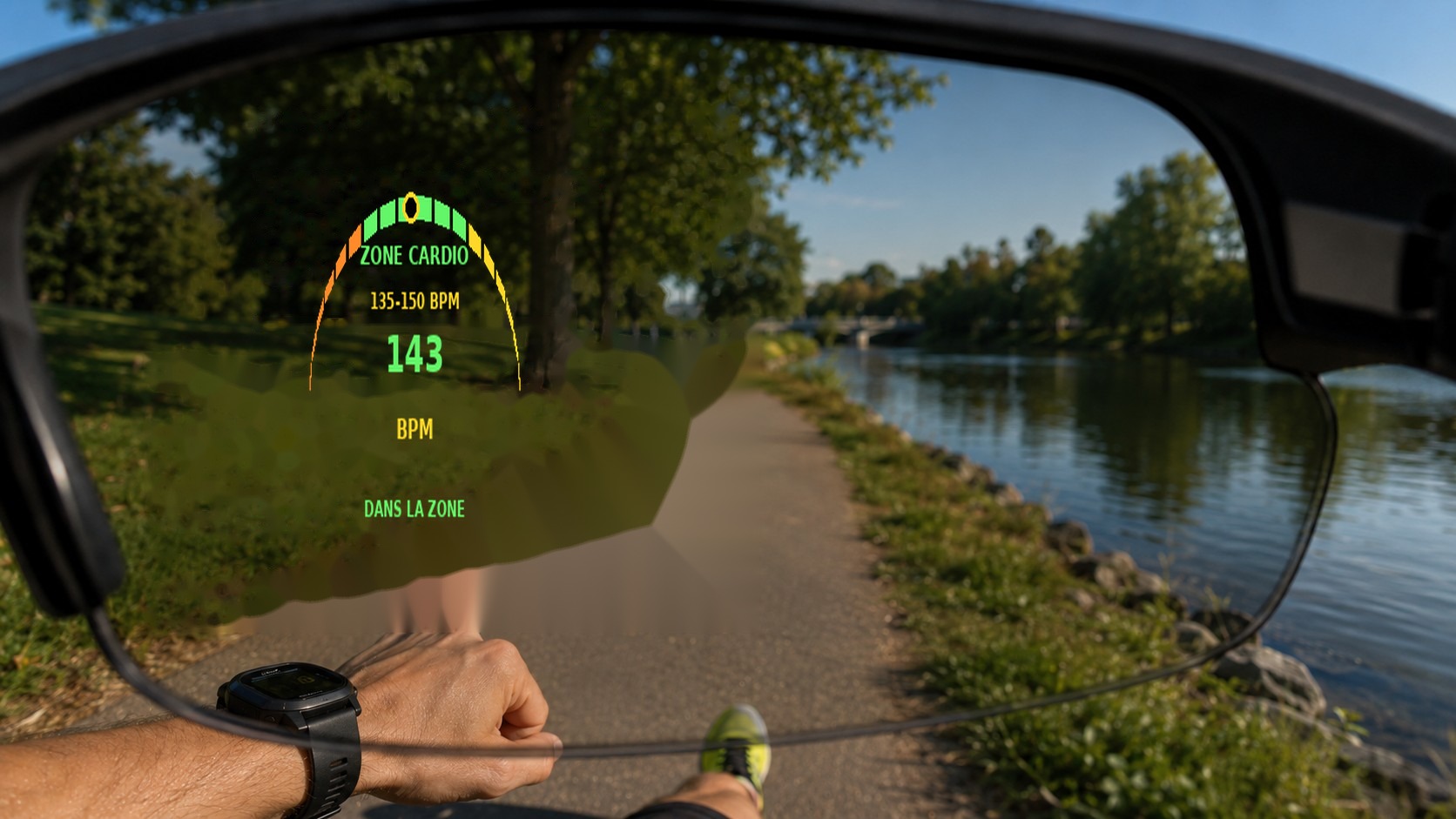
Your effort is within the target zone.
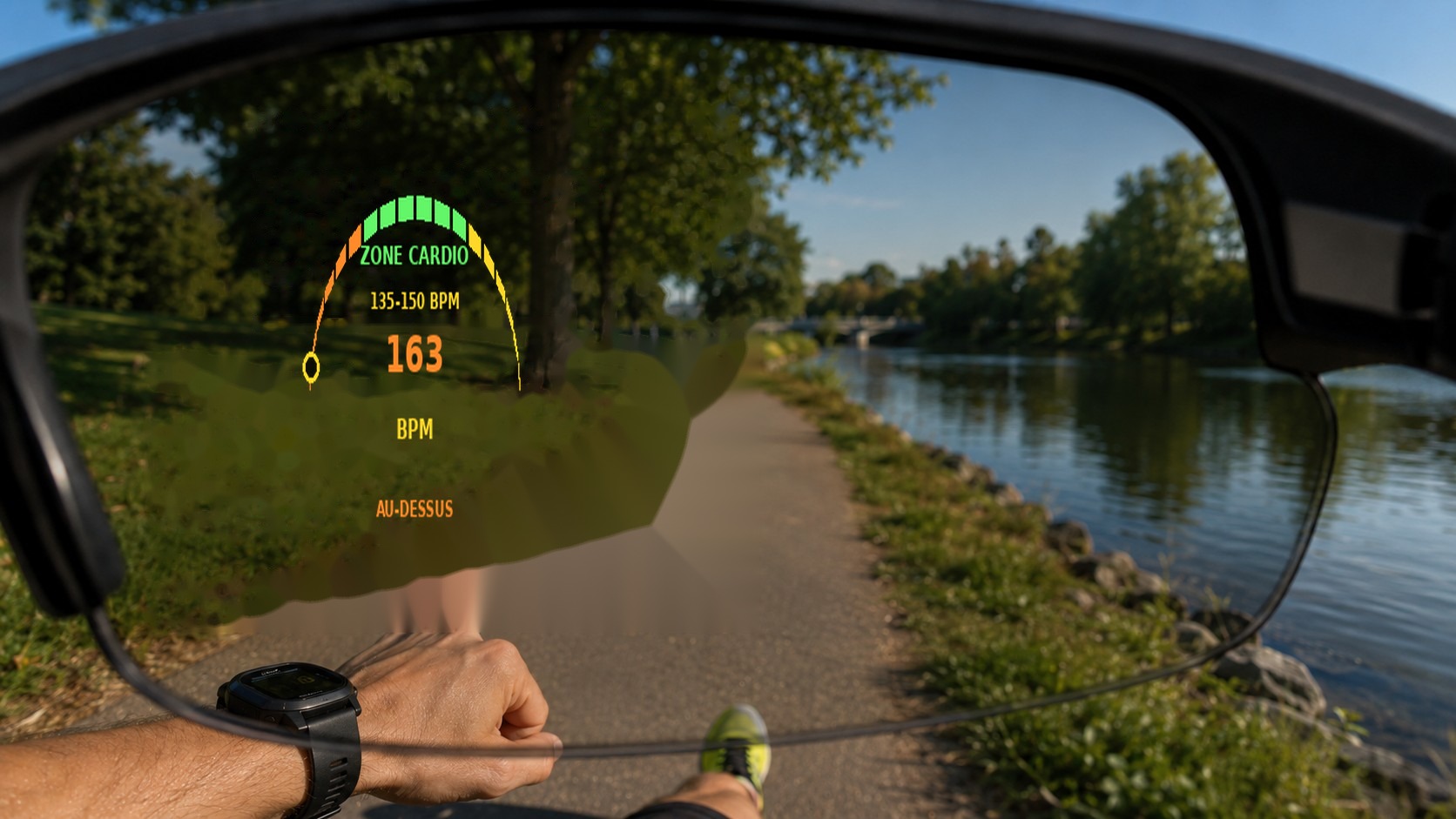
The HUD indicates when you exceed the target zone.
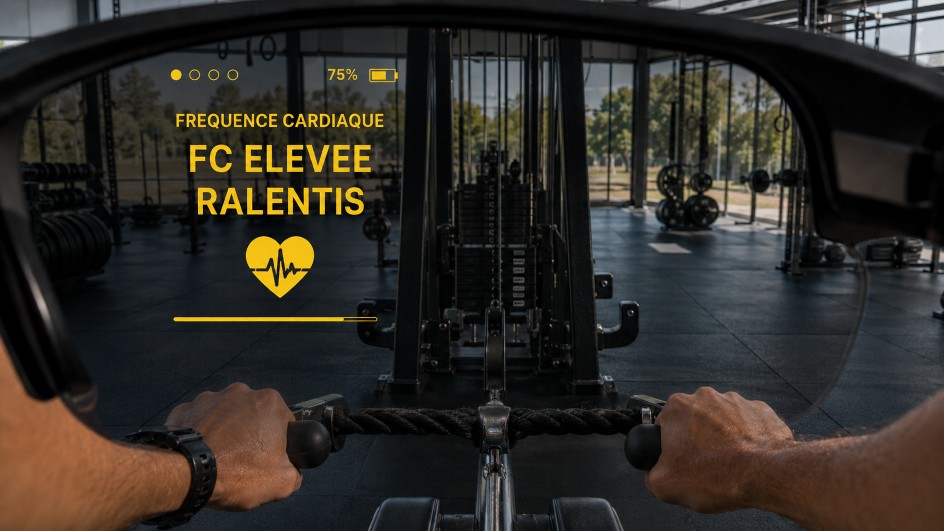
A message can draw your attention to your heart rate.
For compatible activities and equipment, AI-Training can display a target power range. The gauge lets you quickly compare your measured power with the workout target.
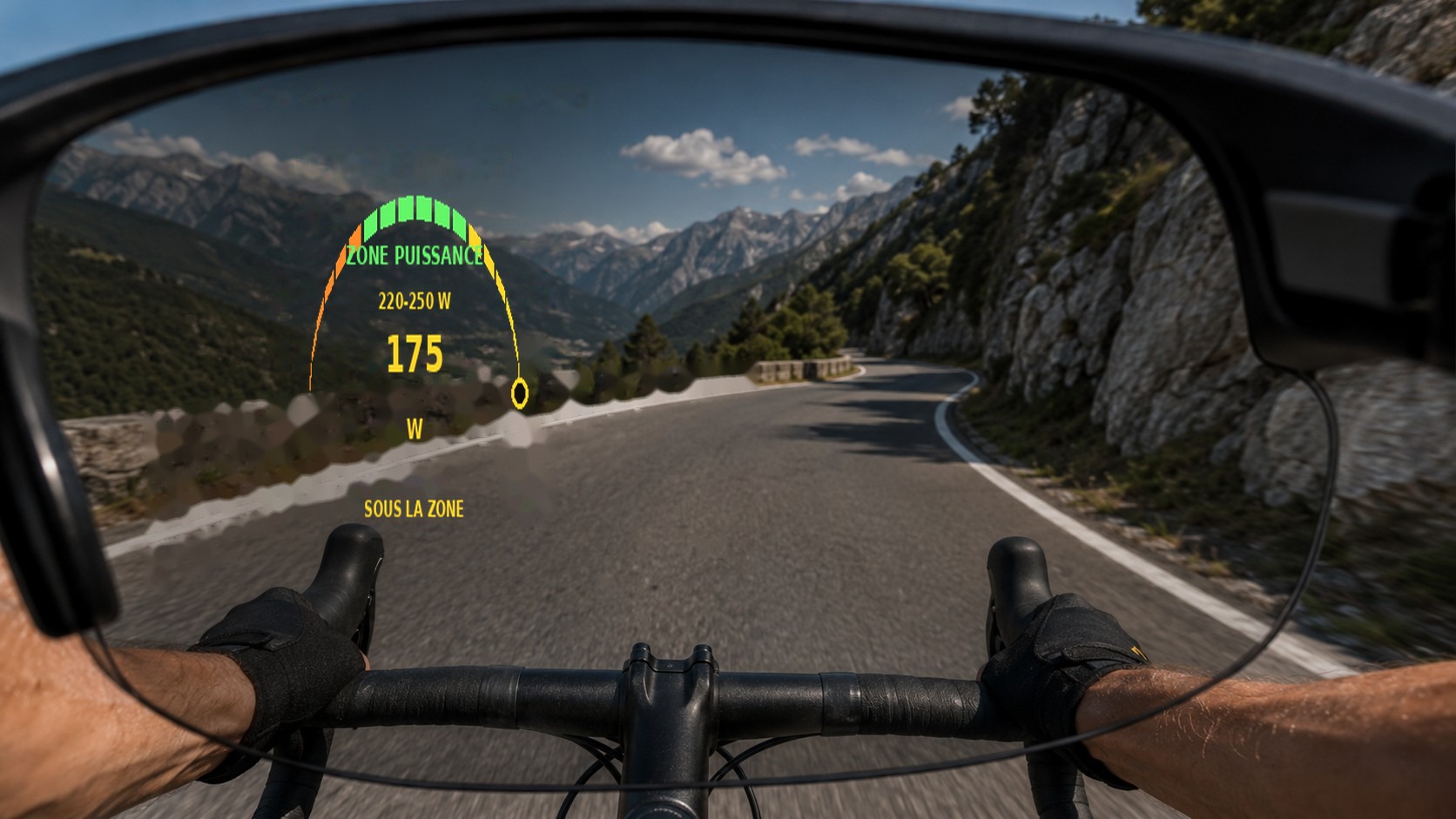
Power is below the target range.
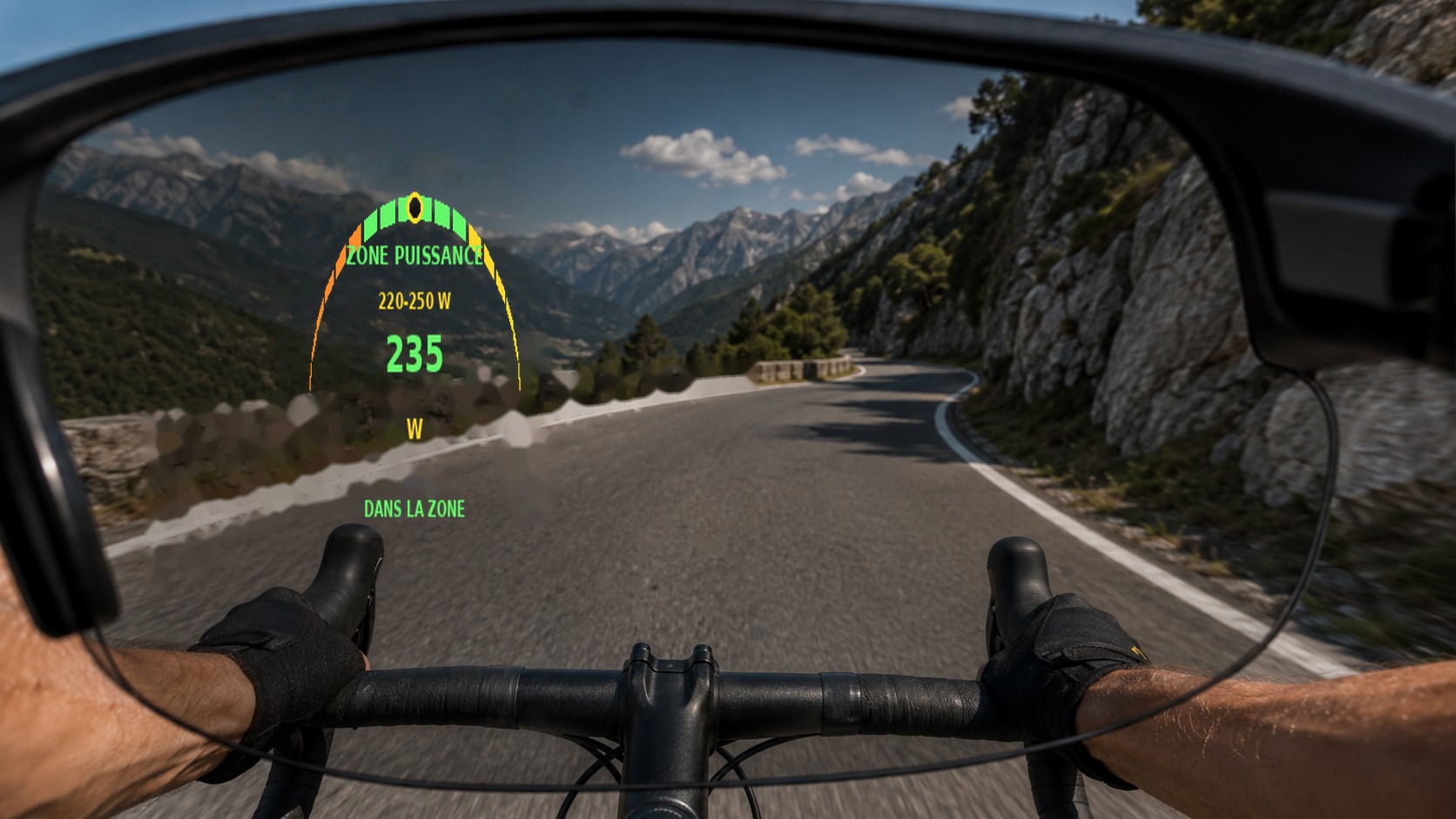
Power is within the target range.
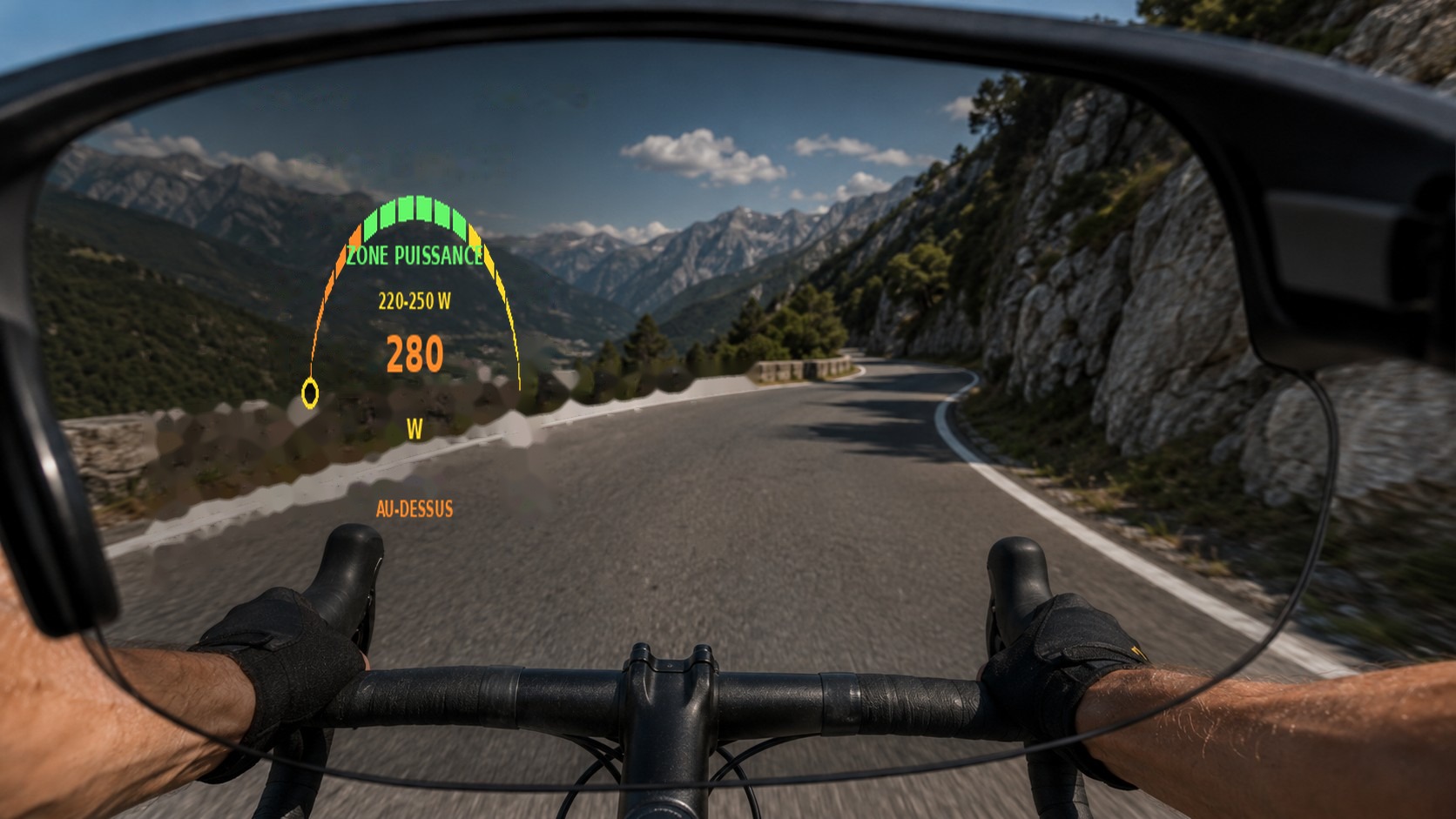
Power is above the target range.
When a GPX route is loaded, the HUD can display the route near your current position. The Navigation2 view makes it easier to follow the route and upcoming turns while keeping essential information accessible.
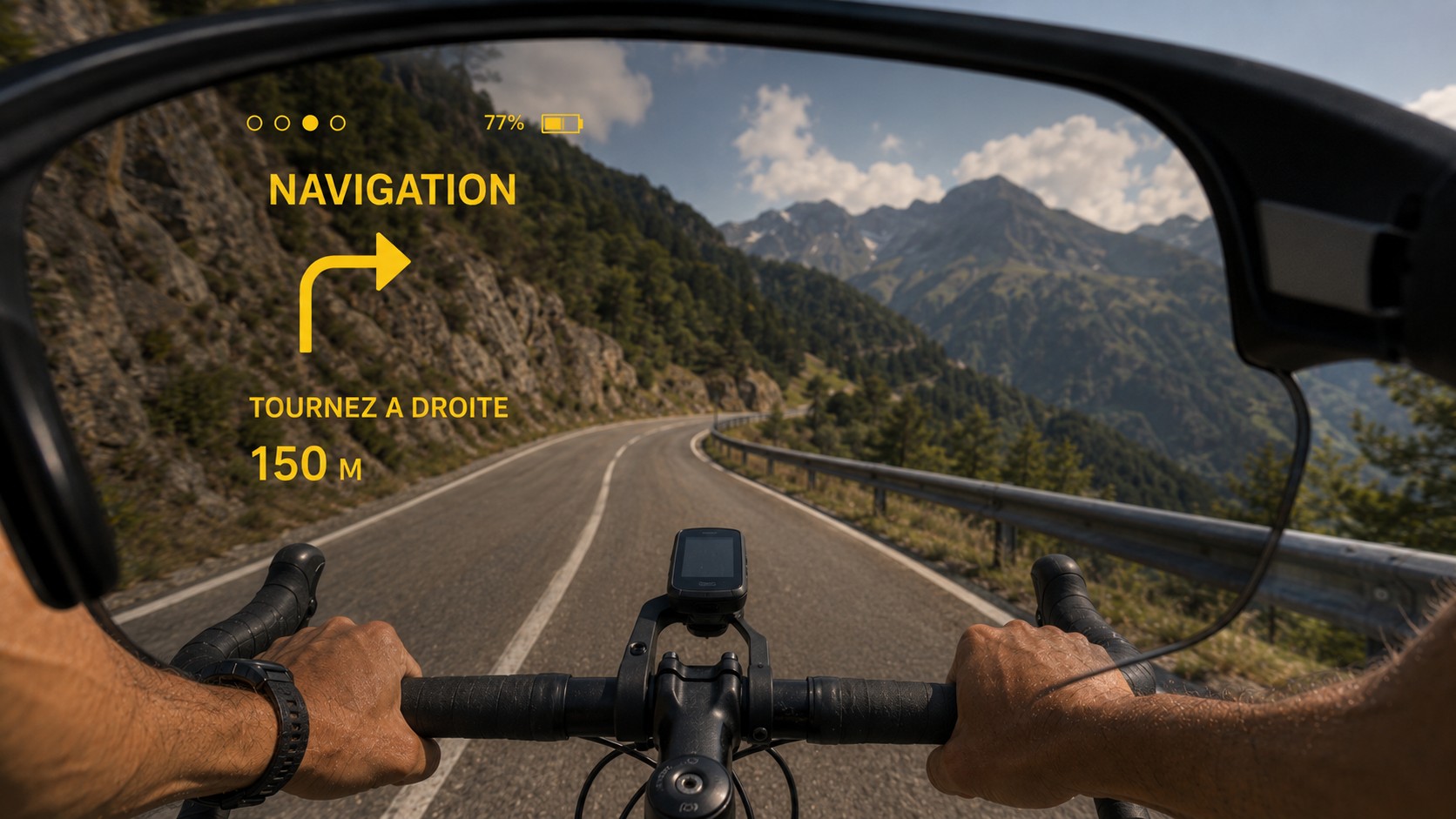
Navigation view while following a route.
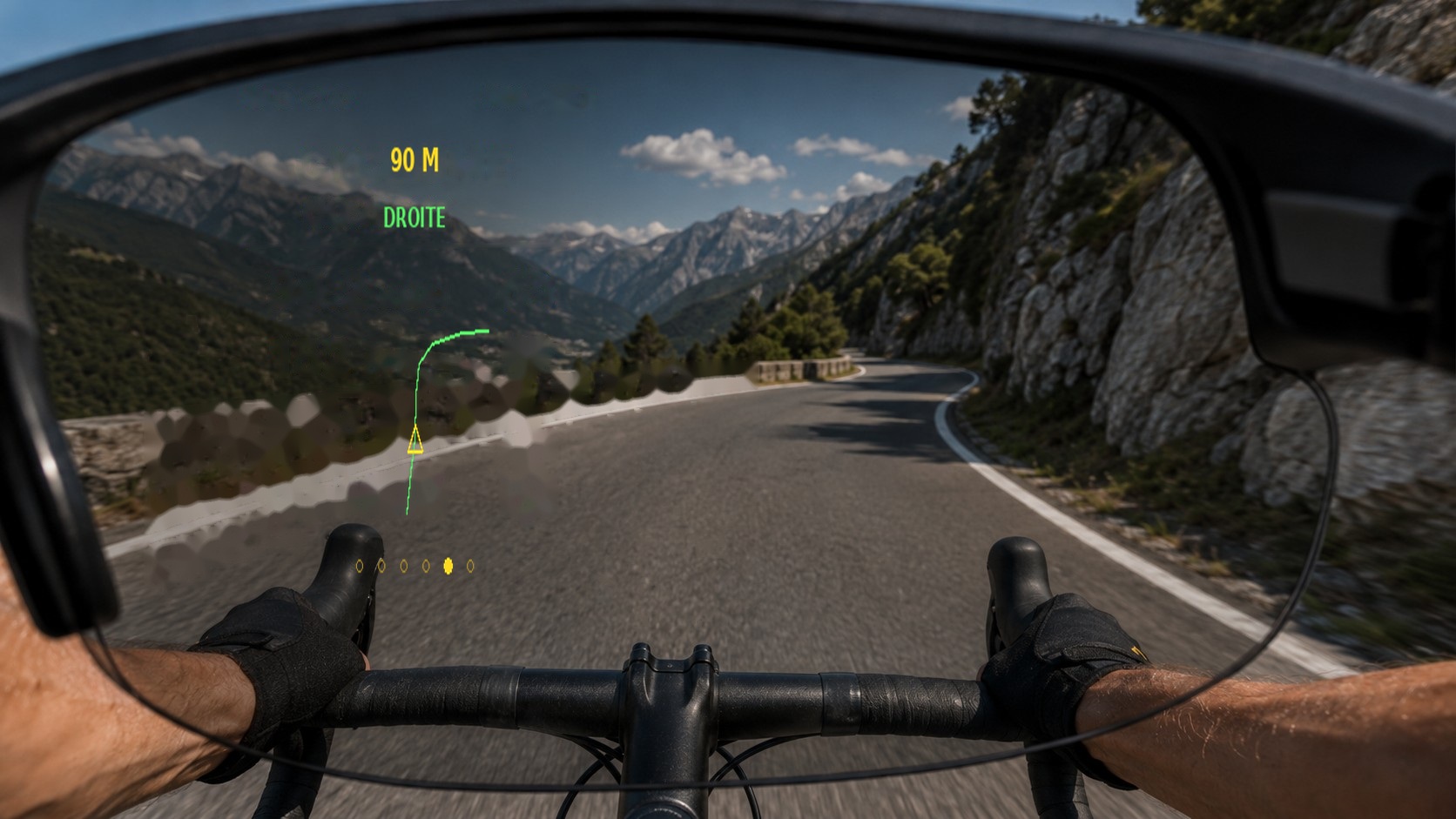
Route display when turning right.
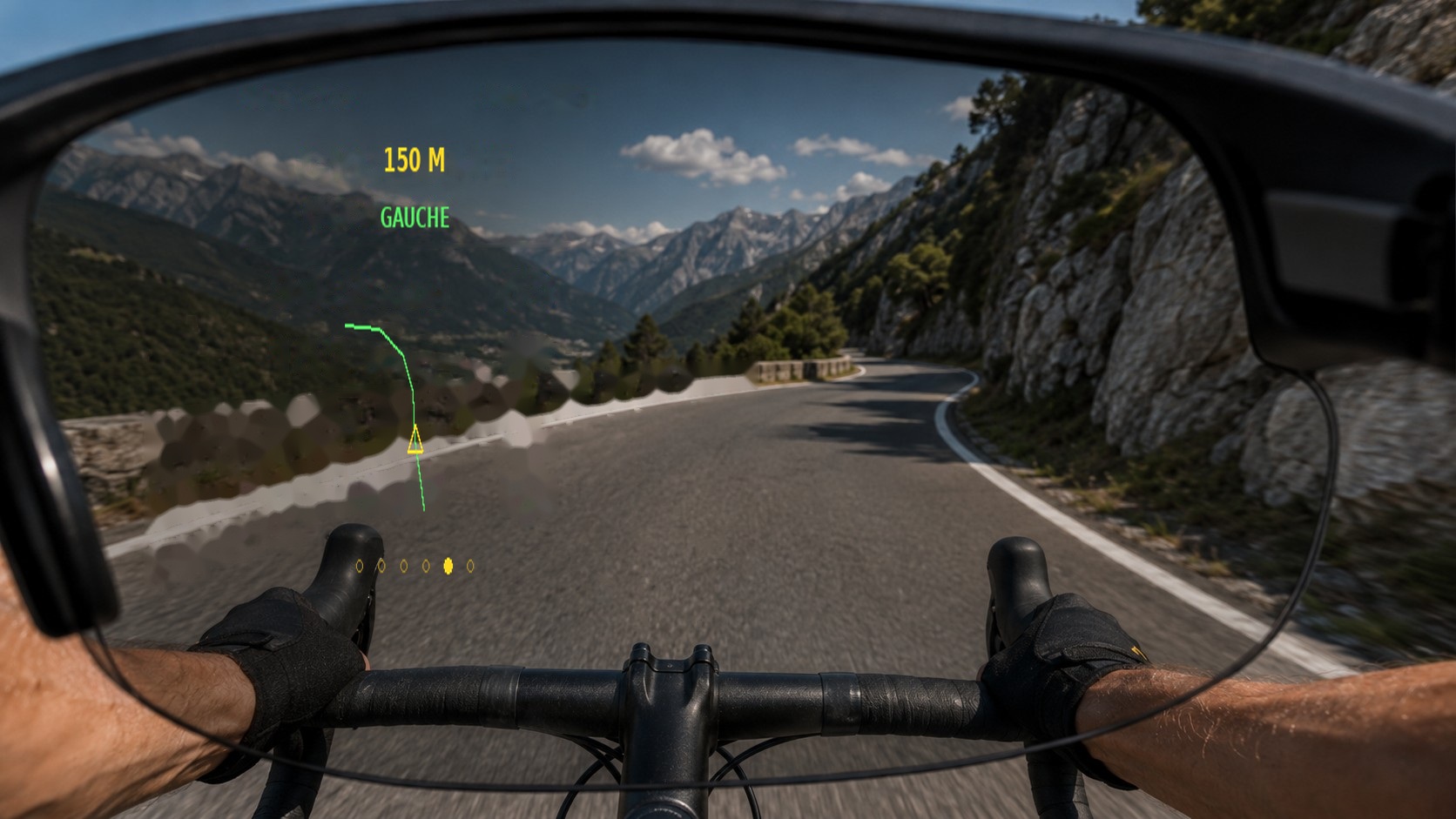
Route display when turning left.
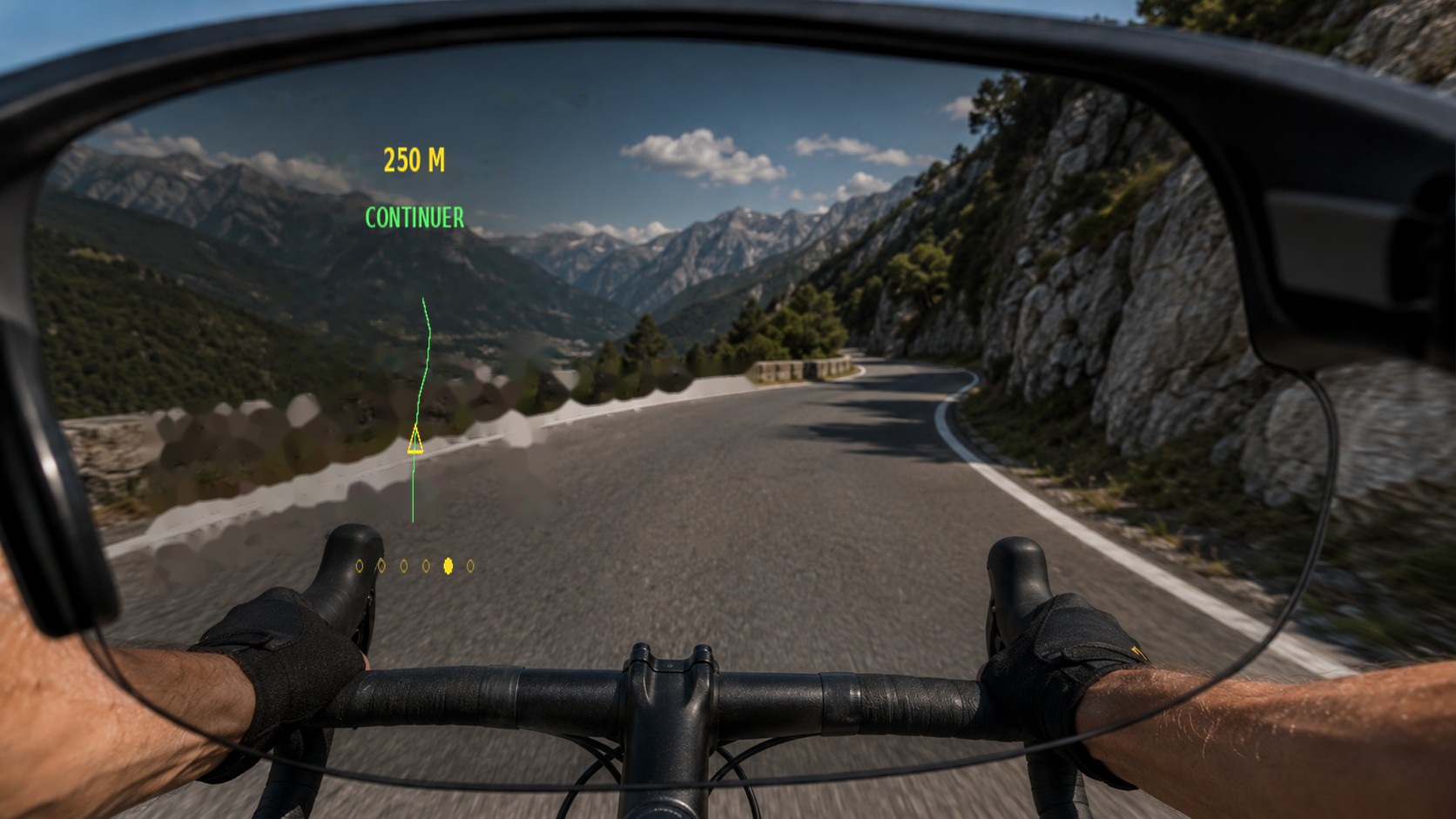
Route display when continuing ahead.
On routes with elevation changes, contextual screens can notify you of an approaching climb, the start of an ascent, reaching the summit or finishing the route.
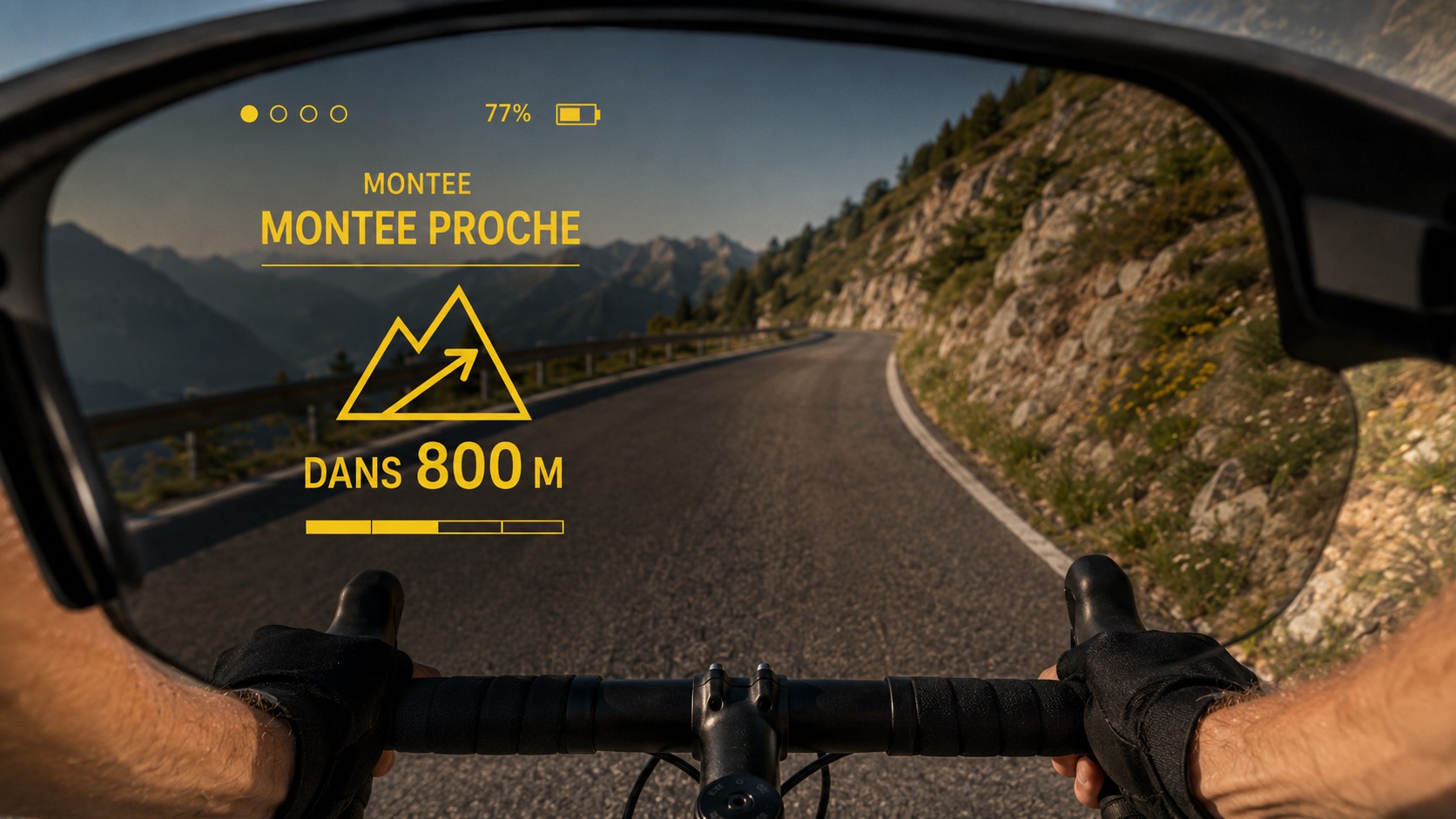
Information about the climb.
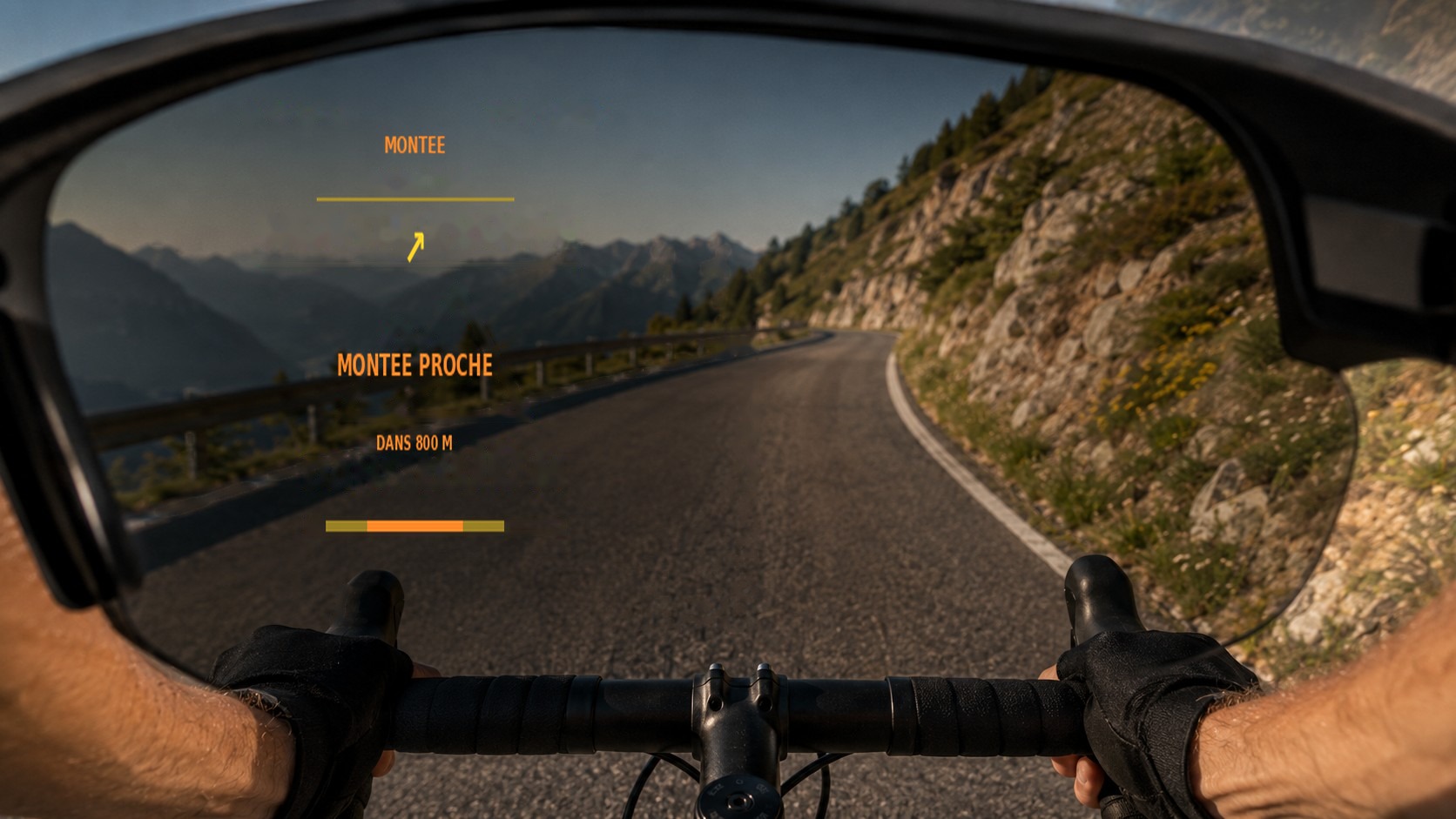
Notification of an approaching climb.
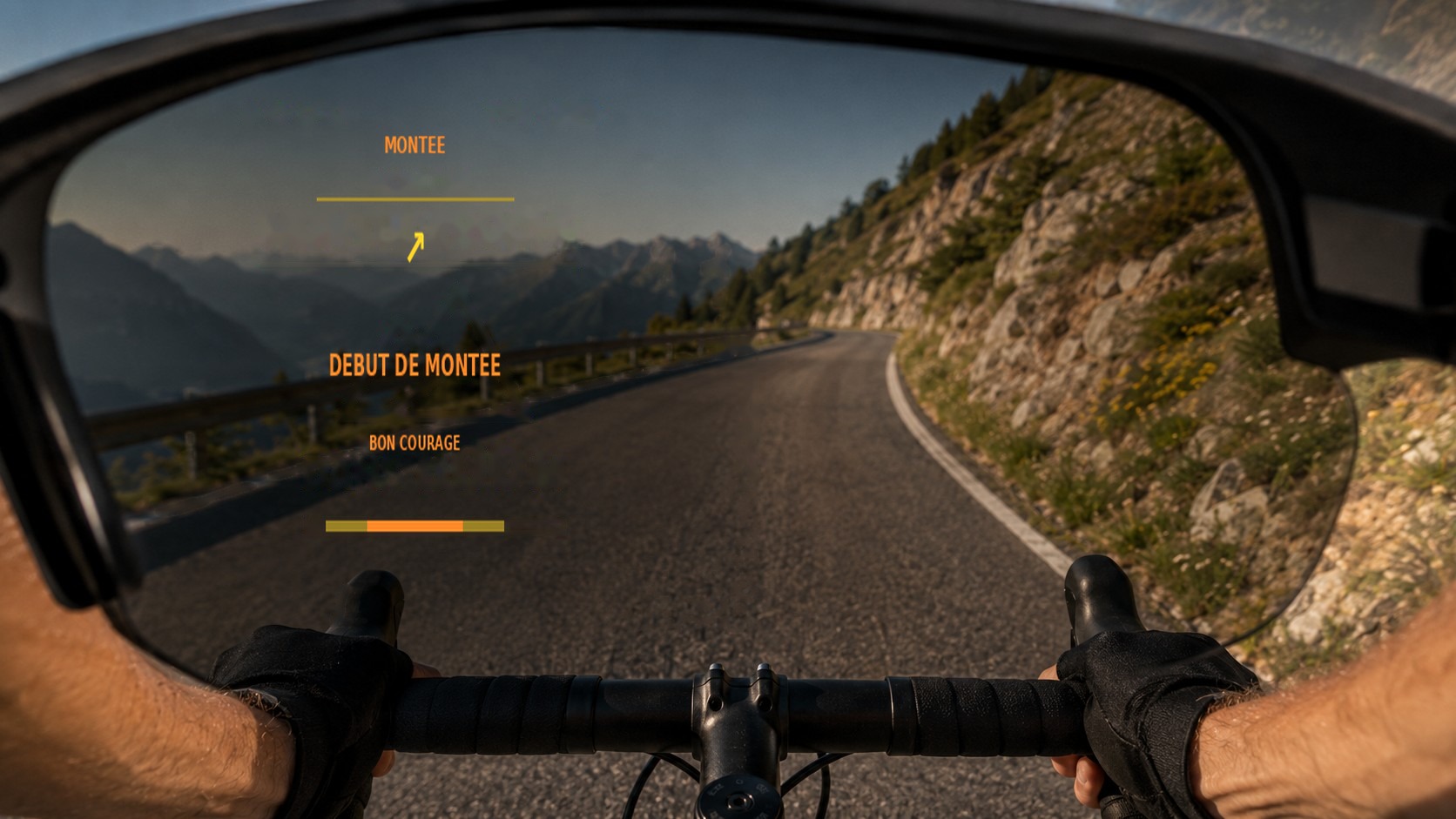
Notification when an ascent begins.
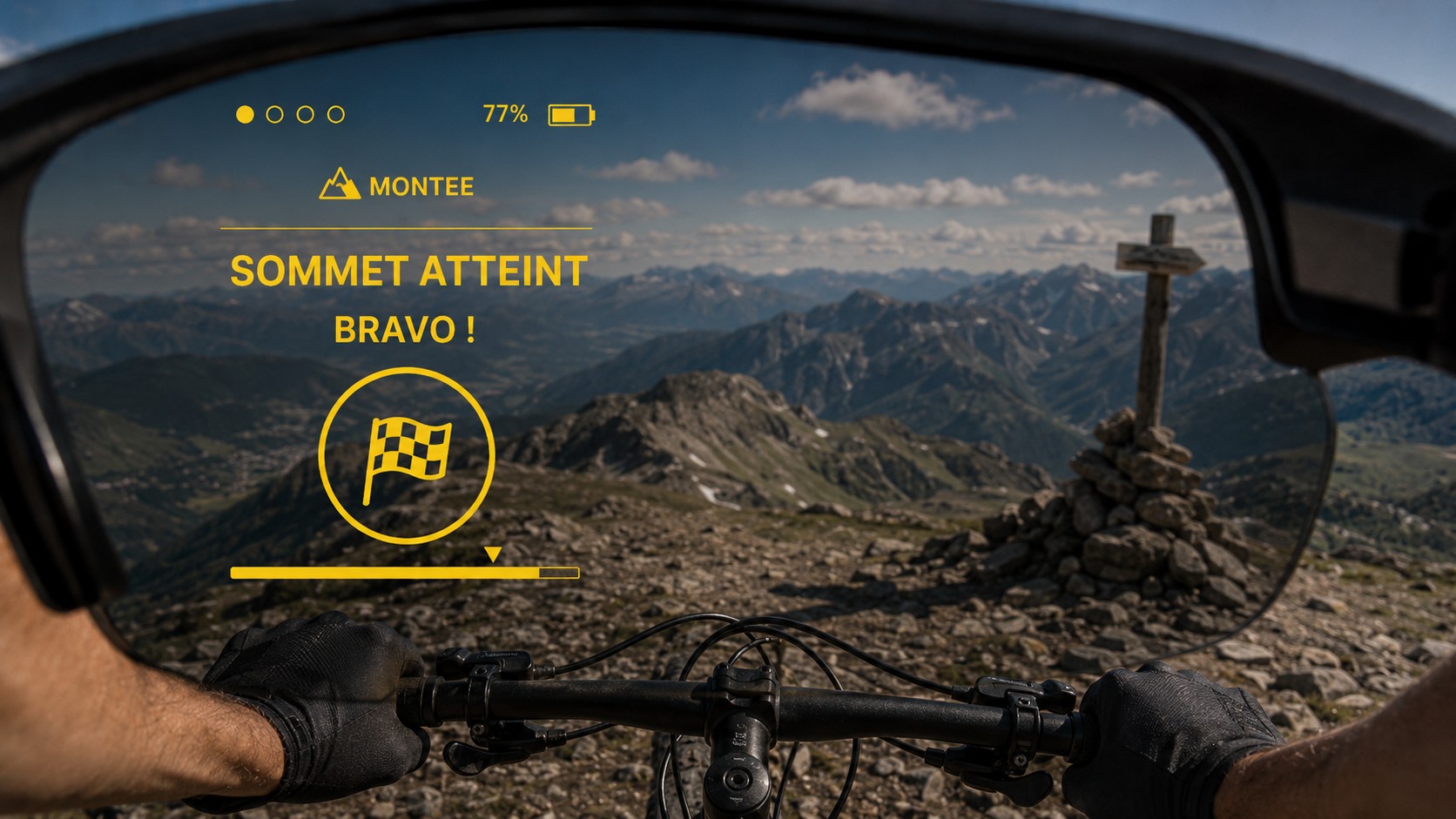
Summit information.
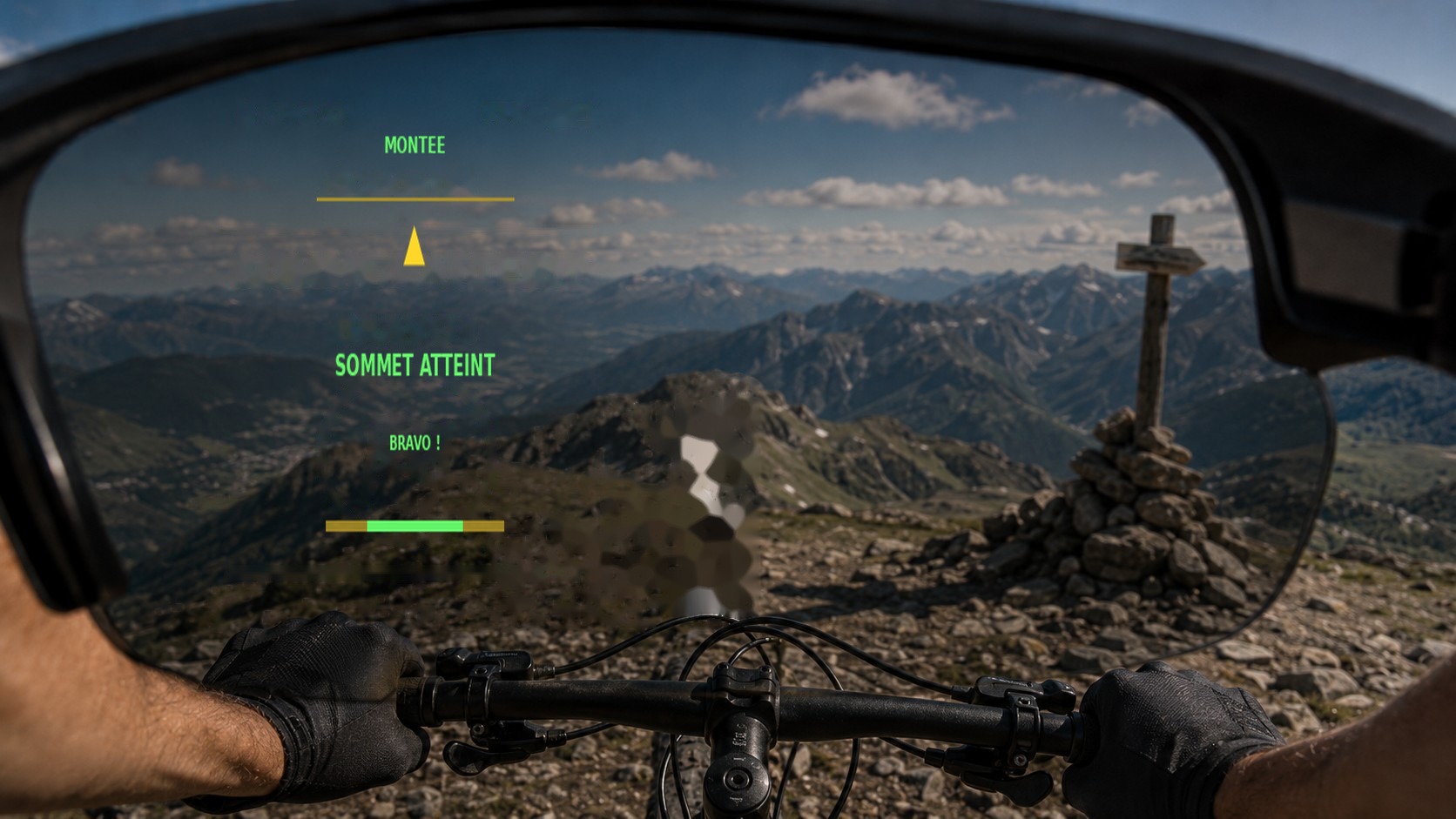
Contextual summit alert.
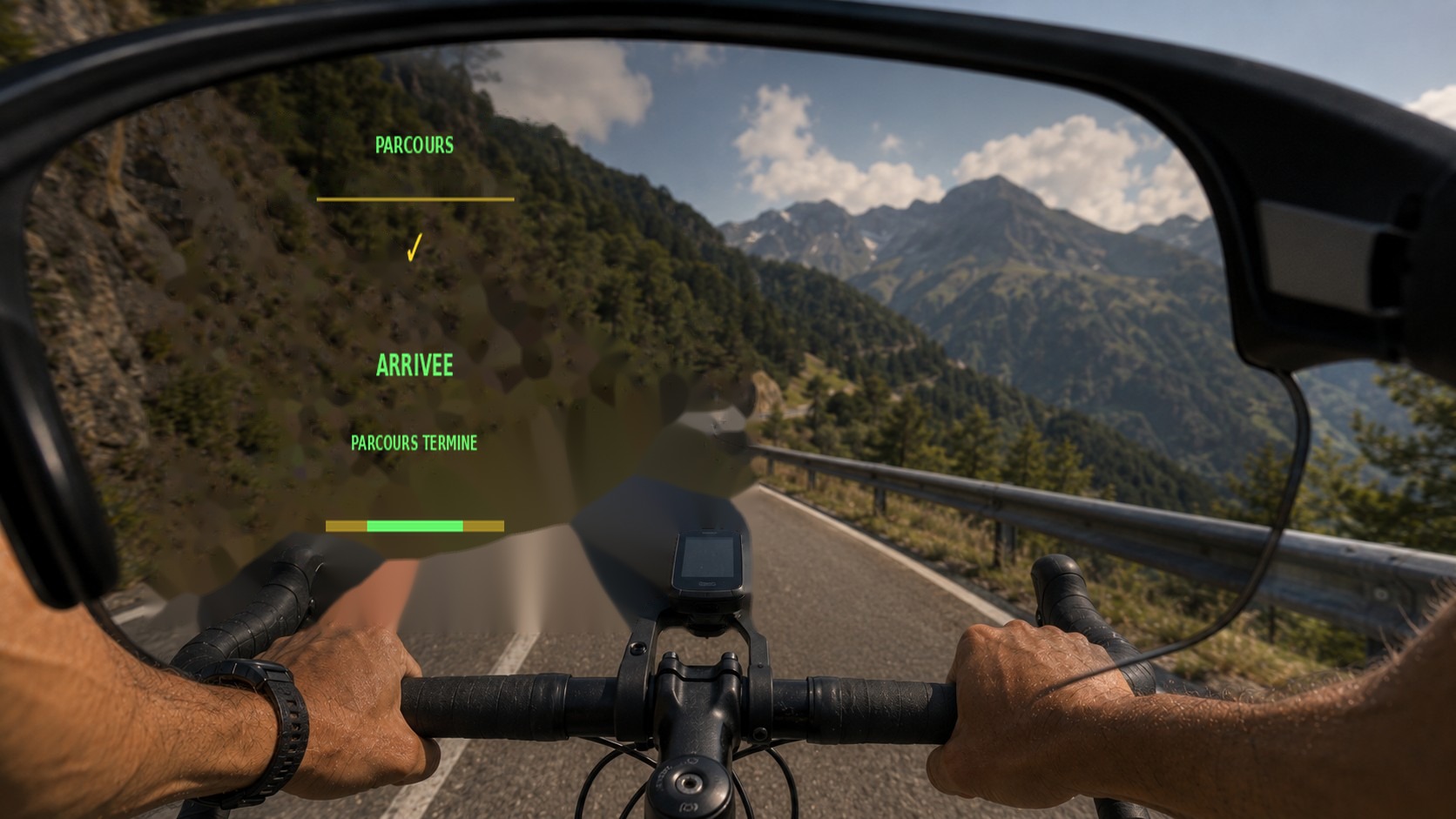
End-of-route notification.
The HUD can display hydration and nutrition reminders, as well as weather information and alerts. These messages complement your activity tracking.
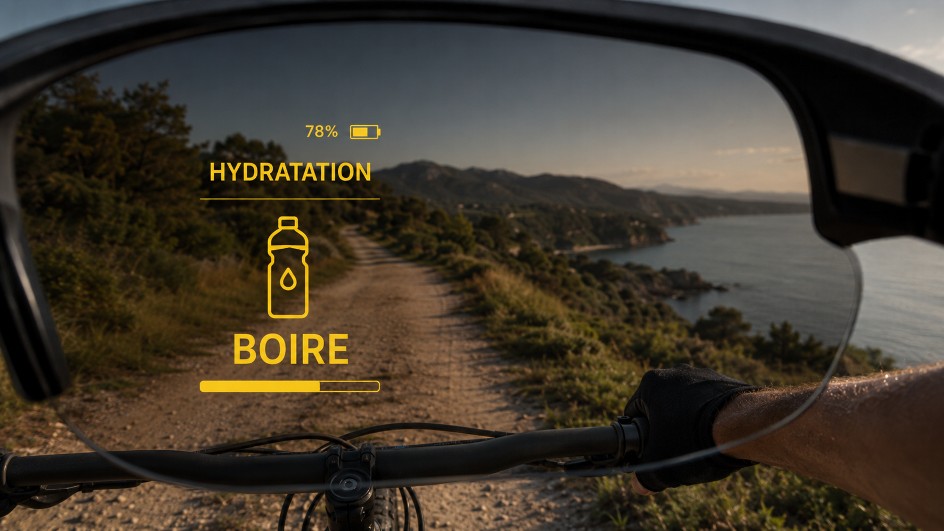
Hydration reminder.
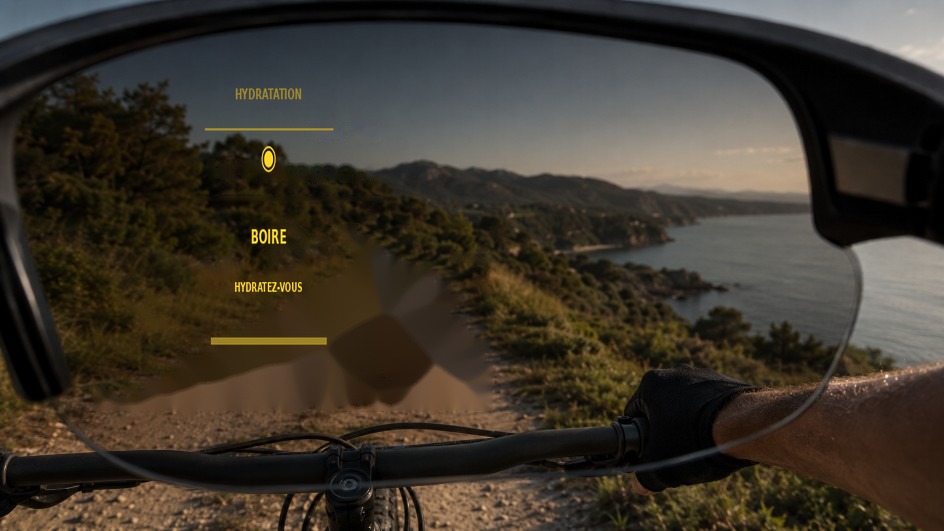
Color-coded reminder to drink.
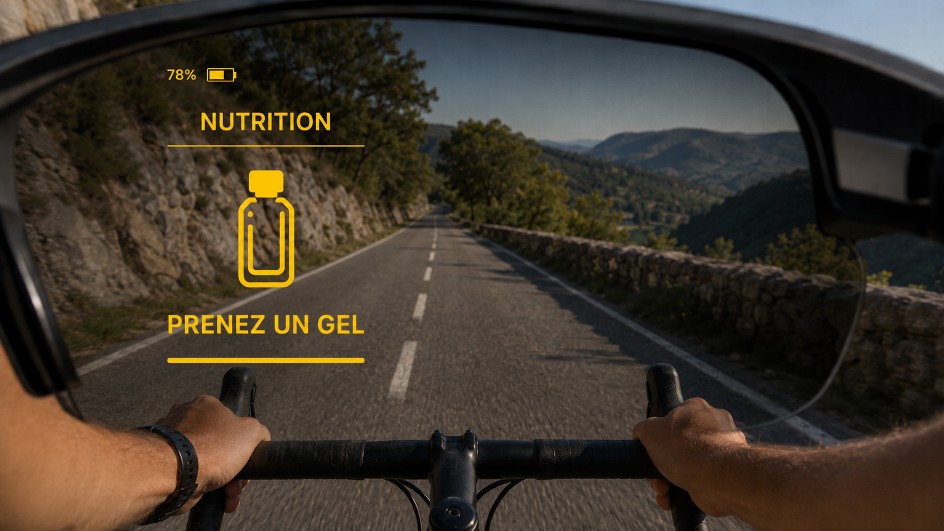
Nutrition reminder during exercise.
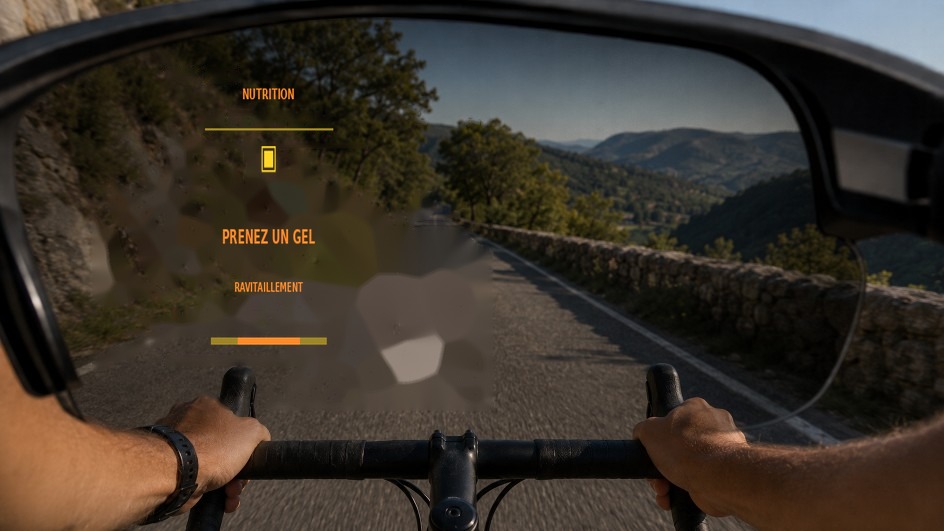
Fueling reminder.
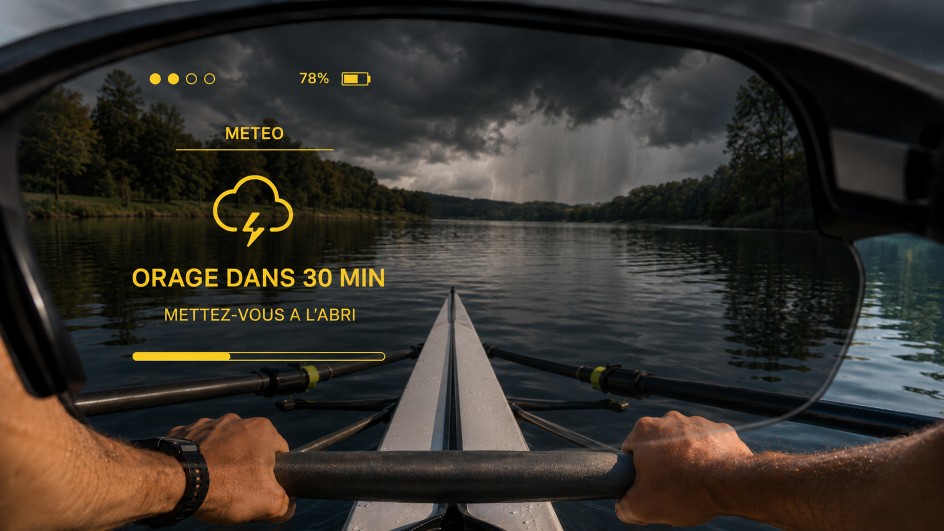
Weather information on the HUD.
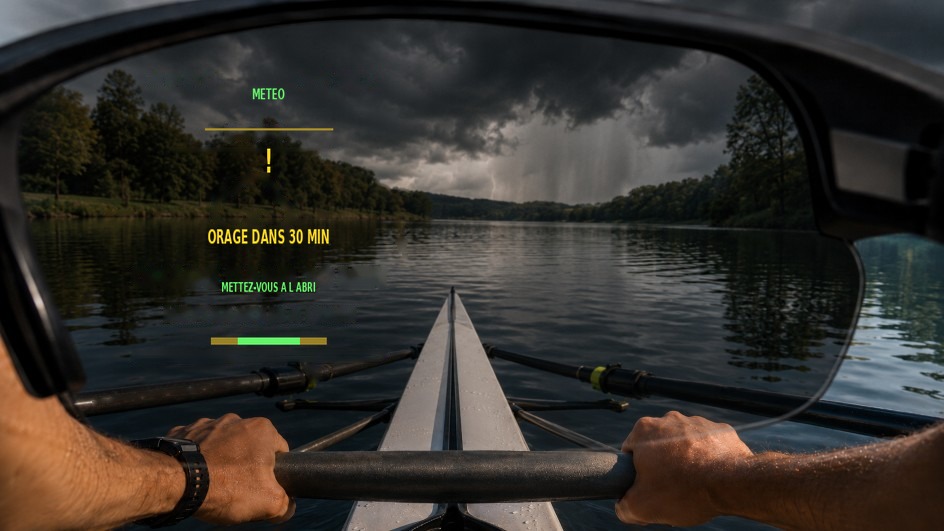
Contextual weather notification.
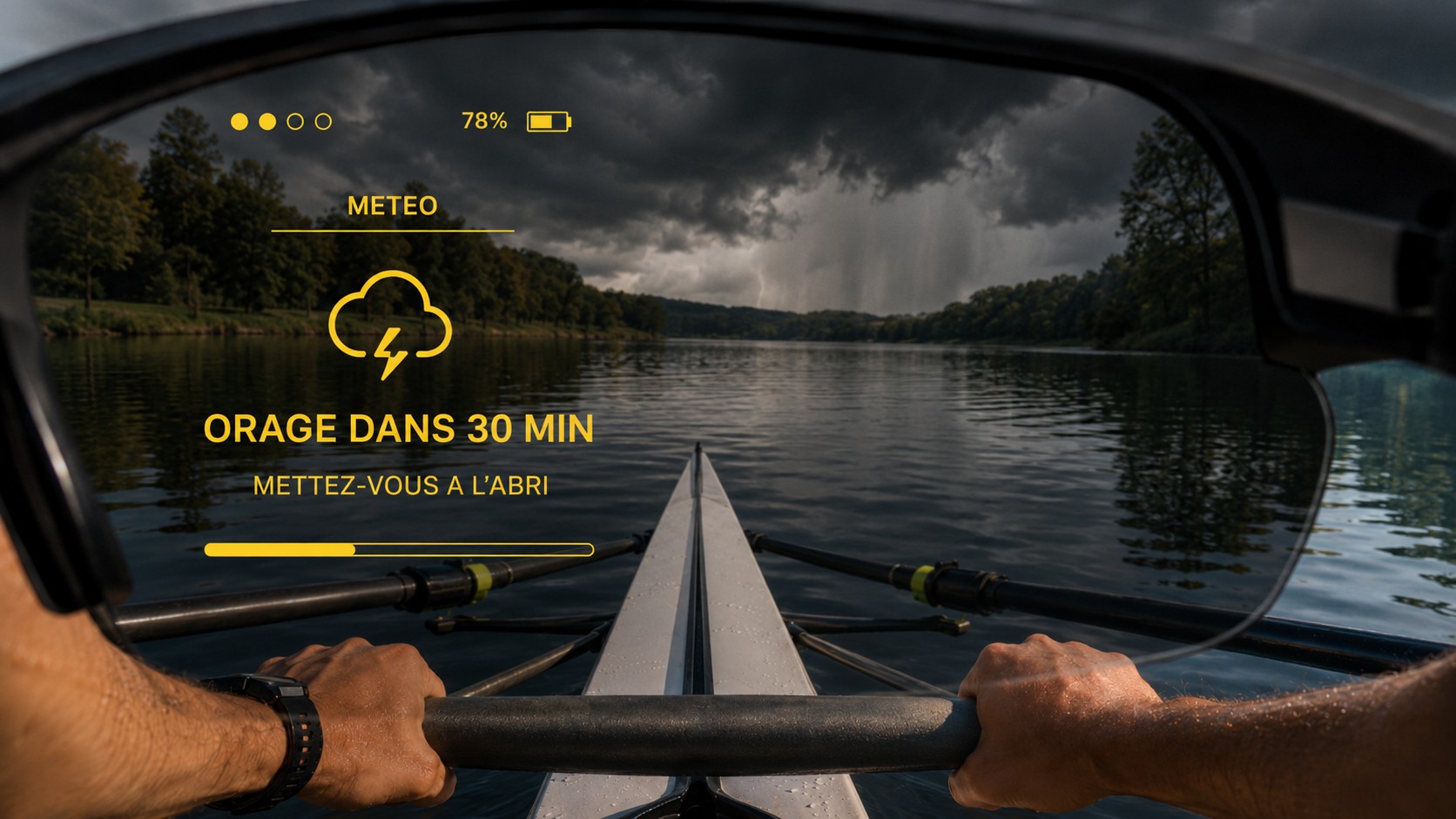
Visual indication of current conditions.
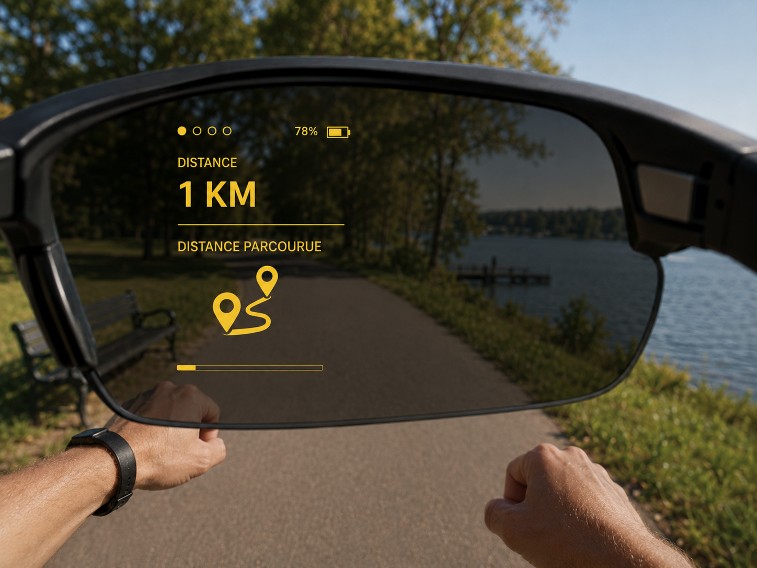
Route progress information.
The screens and data shown vary depending on your activity, settings, connected sensors and the features available on your device.